Admin Runbook
Monthly maintenance checklist, version management, planning methods, and troubleshooting
Module 4Admin & Extensions20 min
Monthly Checklist
- Update Current Period in Model Settings → Time (all 4 models)
- Run ADO pipelines — refresh hierarchies, flat lists, attributes, actuals, and FX rates
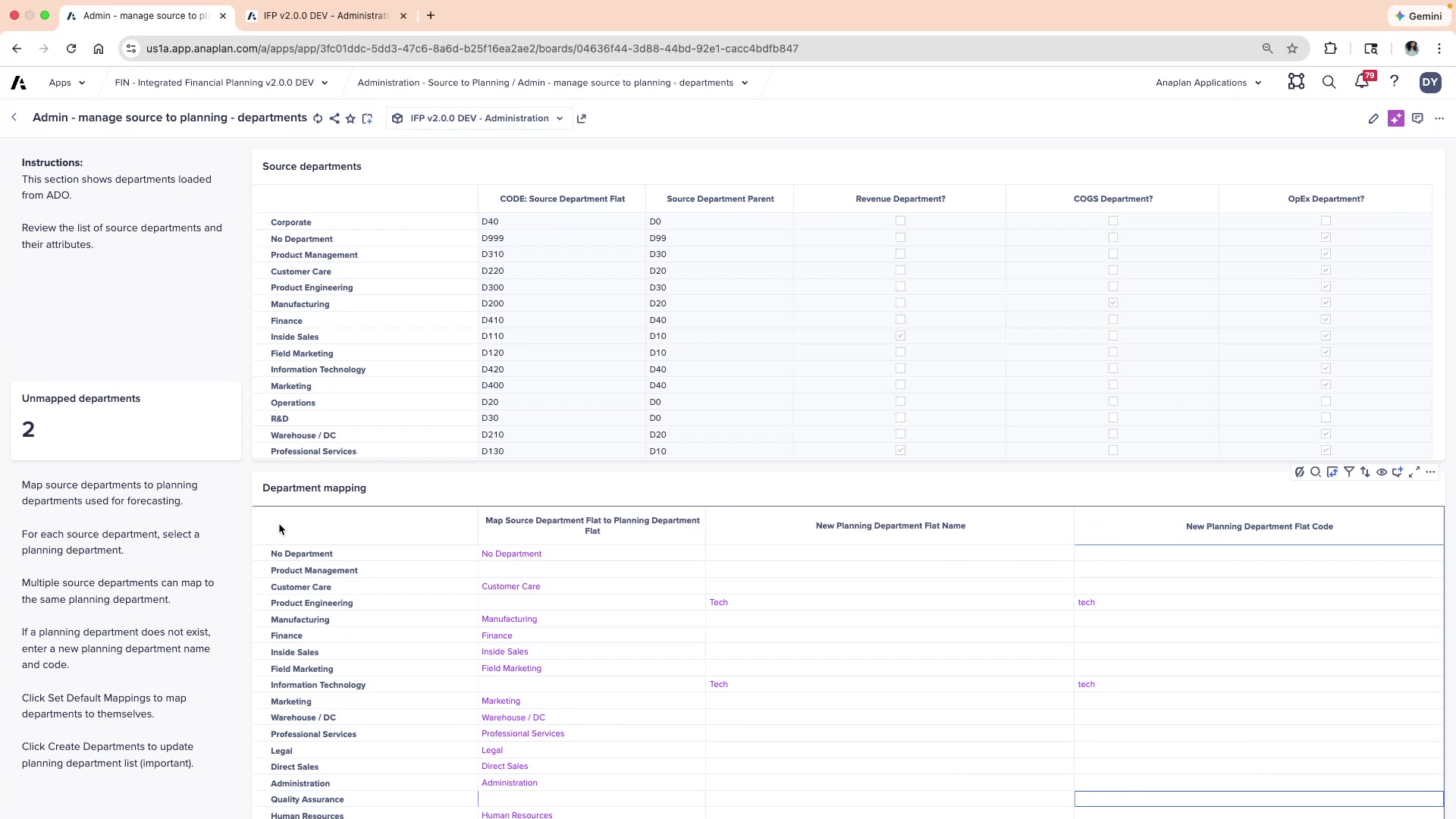
- Review Admin model for any unmapped new departments, entities, or accounts from source systems
Planning Cycle Checklist
- Update time ranges if planning horizon has changed
- Update versions list with any new versions
- Run version-to-version copy actions to seed new versions from existing data
- Review all Administration pages — planning methods, account settings, BS/CF mappings
- Run FIN – Import from HC Model (after HC updates)
- Run FIN – Import from CapEx Model (after CE updates)
⚠ Version Names Must Match Across All Models
Version names must be identical in Admin, FP, HC, and CE. A mismatch causes incorrect variance calculations. If variance reports look wrong, check version mappings in all Manage Versions pages first.
Version Management
- Location: Administration → FIN/HC/CapEx – Manage Versions
- Map each native version to the custom comparison version list
- Enable custom comparison versions via
Override = TRUEin SYS by Version Variance Comparison - Run version copy actions before planners enter data in new versions
Troubleshooting Quick Reference
| Symptom | Most Likely Cause | Fix |
|---|---|---|
| Blank dashboards | Mappings missing or selective access | Check Admin mapping pages; check user roles |
| HC costs not in FP | GL account mapping or import not run | Check HC – Update Mappings; run FIN – Import from HC Model |
| CapEx not in FP | Mapping or import not run | Check CapEx – General Admin; run FIN – Import from CapEx Model |
| ADO load errors | Source file format change | Validate source file; check ADO link mappings |
| Incorrect variances | Version mapping error | Check Manage Versions in all models |
| Planning grid empty | Dimensional selector at parent level | Set selector to leaf-level member |
| BS not balancing | Balancing Routine not run or new accounts unmapped | Run Balancing Routine; check cash offset and CF mappings |
💡 Root Cause Rule
Most IFP issues stem from missing or incorrect mappings in the Administration pages. When something doesn't work, start there.